01 / UNDERSTAND
Start with their world.
What does your bag usually need to carry?A laptop and work essentials
What would make getting out the door easier?Having a place for everything
Does your bag need to carry a 17-inch laptop?No

THE QUIZ PLATFORM FOR A MORE PERSONAL CUSTOMER JOURNEY
Turn curiosity into a confident next step. Create product finders, scorecards, and quizzes that help people see what’s right for them—and why.
Interactive sample No signup needed
THE INTELLIGENCE BETWEEN QUESTION AND ANSWER
Learn what matters. Connect the dots. Make your recommendation feel earned.
Give matching answers points. Exclude options that don’t fit.
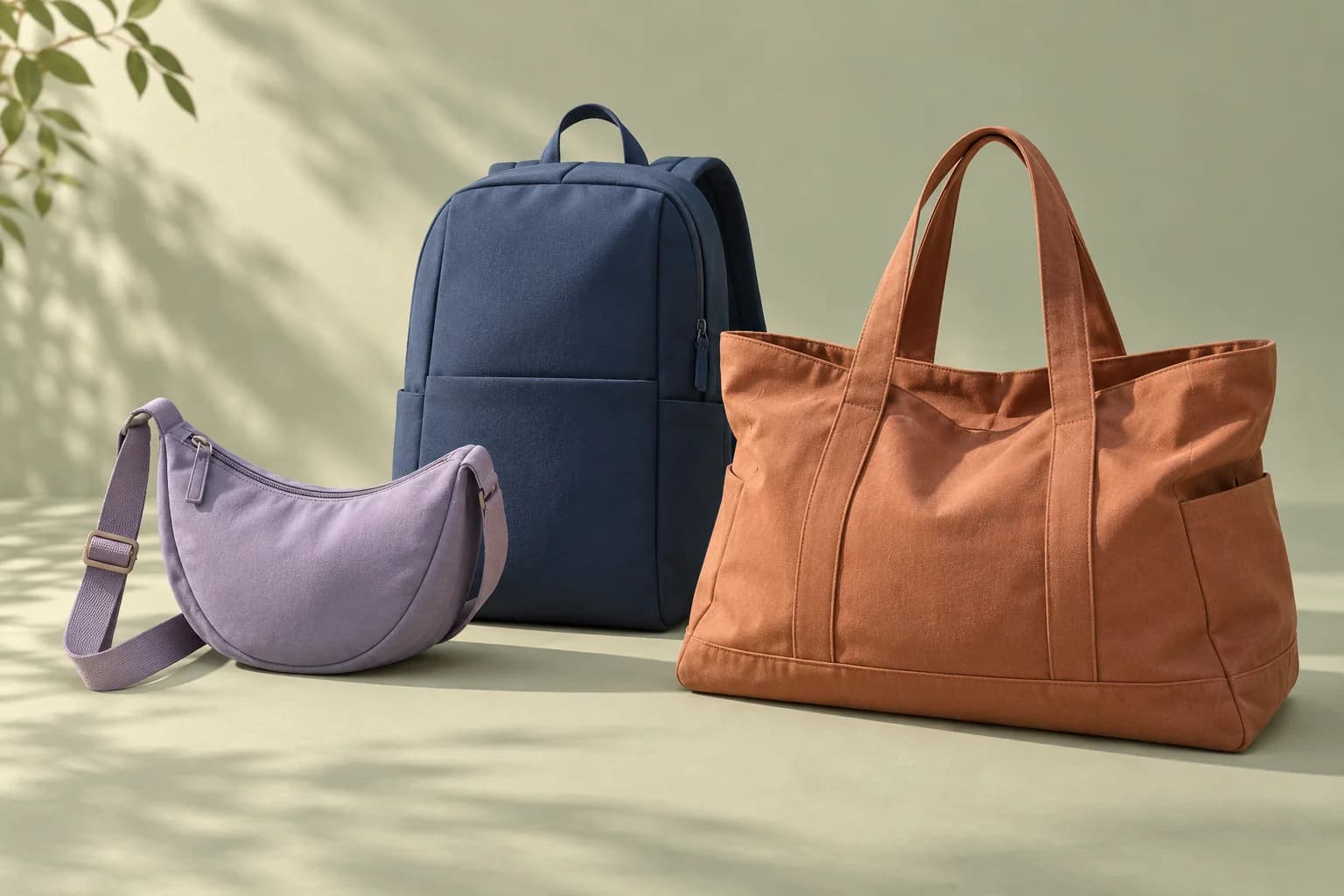
A fictional organized pack with space for a laptop up to 15 inches.
LESS PITCH. MORE “THAT’S ME.”
A good question does two jobs: it helps you learn about your customer, and helps your customer see what matters.
Try this three-question product finder. Your answers shape the recommendation—including when none of the products is a good fit.
Find a bag that fits the way you move.
Fictional products. Real pippi matching. Answers stay in this page and are not saved.
ONE BUILDER. DIFFERENT DESTINATIONS.
The result is where curiosity becomes a decision. Make it worth getting there.
Match answers to the right product or offer. Explain why it fits, rule out mismatches, and link to the next step.
Try the product finderHelp visitors recognize their priorities. Send different audiences to different advice, offers, or calls to action.
Explore the approachScore the areas that matter. Show people where they stand and give them useful guidance to move forward.
See how it worksFROM FIRST QUESTION TO NEXT STEP
Choose a product finder, segmentation quiz, or scorecard template. Shape the questions around what your audience wants to figure out.
Set conditional paths, outcome points, and exclusions. Add explanations that connect the recommendation to what someone told you.
Choose when to ask for contact details. Preview the journey, publish a link or embed, and watch how people move through it.
KNOW WHAT TO IMPROVE NEXT
A total lead count only tells part of the story. See who starts, who finishes, which results they reach, and whether they click the next step.
Optional, consent-gated GA4 and Meta events connect quiz steps to your tracking setup.
A step worth reviewing
Look at the wording and effort required where unfinished sessions pause.
Sample numbers demonstrate the dashboard. Offer clicks are not purchases.
KEEP THE CONVERSATION GOING
A useful conversation shouldn’t end at “submit.” Carry the answers, scores, and context into your next conversation.
CRM connectors are in pilot. Provider setup and authorization are required; availability varies. Logos identify providers, not customers or endorsements.
A FEW GOOD QUESTIONS
Build product finders, audience segmentation quizzes, category scorecards, forms, and surveys. Start with a marketing template, customize the questions, and set the rules that connect answers to results.
Yes. Add points to matching outcomes, exclude products that don’t fit, and use conditional logic to show relevant questions. Give each outcome its own explanation and next-step link. Category scorecards show scores across the areas you define.
You choose. Configure lead capture before or after results, make it optional or required, and set your consent wording. The sample on this page collects no contact information and saves no answers.
See starts, completions, captured leads, result views, offer clicks, trends, and outcome segments. Question-level reporting highlights unfinished sessions quiet for at least 30 minutes. Offer clicks are not purchases; revenue attribution and built-in A/B testing are not included yet.
pippi includes webhooks, a direct GoHighLevel connection, and a growing set of CRM and email connectors in pilot. Provider authorization and setup are required. Availability varies by provider; some require your own developer credentials. These connectors are not a built-in email campaign service.
Create an account with your email and a password, confirm your email, and start building. You can also explore the interactive sample without an account.
A BETTER CONVERSATION STARTS HERE
Give them a little clarity. Give your offer a little context.
Make the next step feel like their idea.


